Hospitality · · 7 min read
Is your hotel website falling behind? What guests and AI assistants look for
A hotel website can look beautiful and still be skipped. Guests and AI assistants now look for clear facts, location answers, policies and fast mobile booking. Here is what they need and how to check your own site.
Ask Elon
Prefer to talk with a person? Book a free call
 Alexander van den BergFounder and CEO
In short
Your hotel website can be beautiful and still fall behind. Many guests now ask an AI assistant where to stay before they open any hotel site. Those assistants, and the guests who follow them, look for clear facts: where you are, what each room offers, your policies and how pricing works. A site that only shows photos is easy to skip.
For years, good hotel website design meant big photos and a booking button. That still matters. But the first visit to your hotel often happens somewhere else now: in a chat with an AI assistant, on a map or in a quick search on a phone. Your website has to answer the questions guests ask there.
- 29%
of US consumers had used AI services to plan a trip in 2025 (Adobe).
- 3,500%
more visits to US travel sites came from generative AI in July 2025 than a year earlier (Adobe).
- 10.1%
higher conversion on travel sites when mobile pages loaded 0.1 seconds faster (Deloitte).

Guests now ask AI assistants before they visit your site
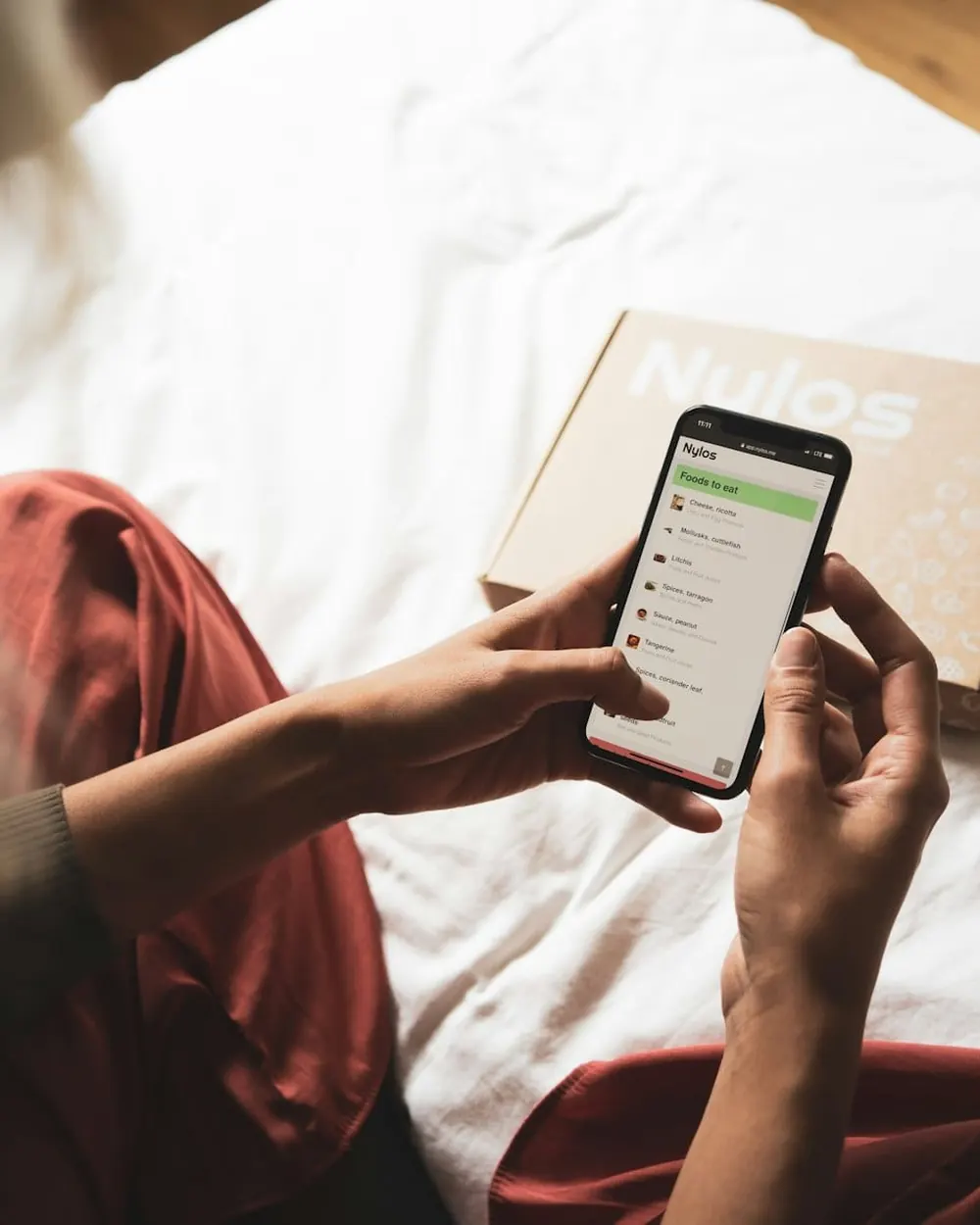
A guest planning a trip now types something like: "Quiet hotel near the old town with parking and a pool for kids." An AI assistant gives a short list. Only the hotels it can describe with confidence make that list.
In 2025, 29% of US consumers had already used AI to plan a trip, and visits to travel sites from AI sources grew 3,500% in a year (Adobe, 2025).
The assistant does not look at your photos the way a guest does. It reads text. If the facts are not written on your site, the assistant has to guess, or it picks another hotel.
We explained the bigger picture in Why even a great website is falling behind. This article is the hotel version.
What travelers and AI need to find

Guests and AI assistants look for the same four kinds of answers. Write them in plain text, on pages that are easy to find.
- Facts. Number of rooms, room types, check-in and check-out times, languages spoken at the desk, breakfast, parking, pool, gym, accessibility.
- Location. Your full address, the area you are in, and travel times to the places guests ask about: the airport, the beach, the old town, the convention center.
- Policies. Cancellation, children, pets, deposits, late check-out, smoking. These are the questions your front desk answers every day.
- Pricing policy. You do not need to list prices on every page. But explain how pricing works: what guests gain by booking direct, what is included, when payment is taken. Never leave guests guessing.
A simple test: if your reception answers a question more than once a week, the answer belongs on your website.
Room pages that answer questions, not only show photos
Many hotel sites show each room as a photo gallery with one line of text. That looks good, but it does not help a guest choose, and it gives an AI assistant almost nothing to read.
A good room page answers:
- Who is this room for? Couples, families, business guests, longer stays.
- What is the size and the bed setup? Square meters, bed sizes, extra bed or cot possible.
- What is the view and the noise level? Garden side, street side, high floor.
- What is included? Breakfast, Wi-Fi, a desk, a bathtub, a kitchen corner.
Keep the photos. Add five or six short lines under them. That small change turns a gallery into a page that sells. For more practical fixes, read our guide to simple GEO fixes for hotels.
Want a hotel website that answers guests before they ask? Atelier ATTENTION builds hospitality websites with clear room pages, fast mobile booking and the facts AI assistants need to recommend you.
Speed and mobile booking
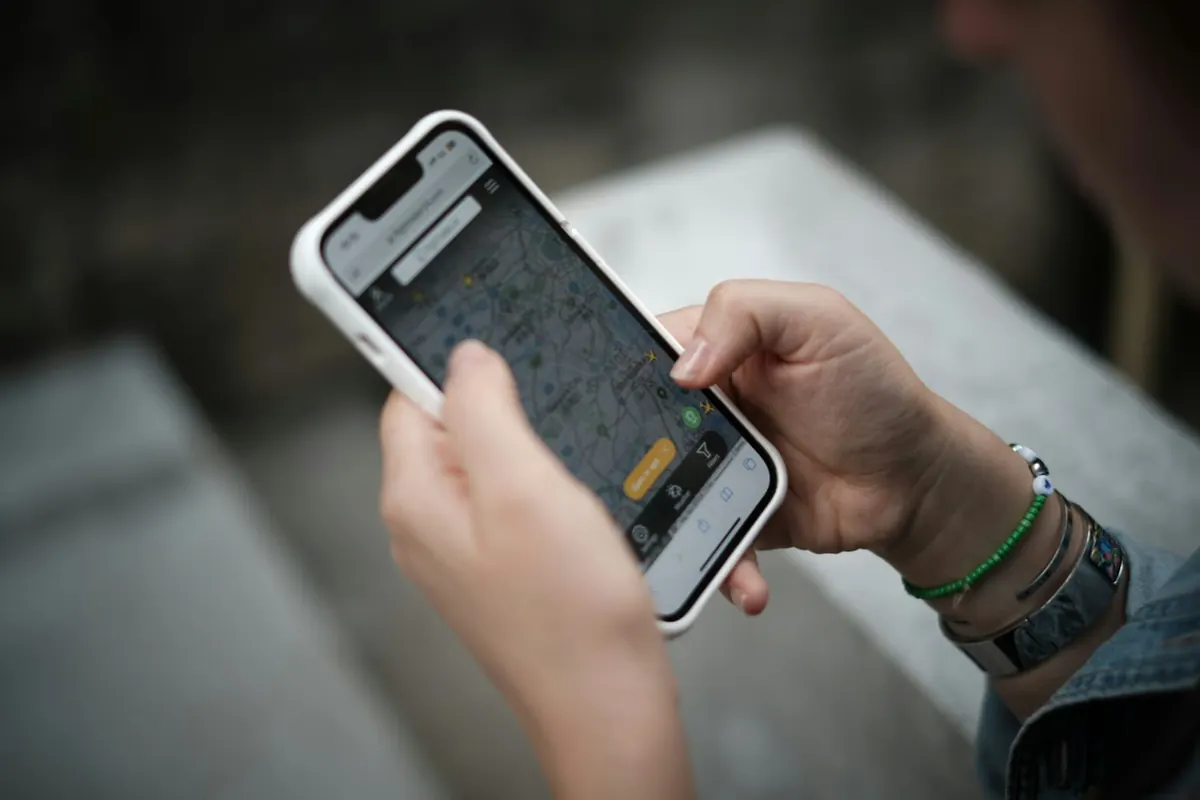
Most guests first see your site on a phone, often on mobile data. Every second of waiting is a reason to go back to a booking platform.
Speed pays off. In a Deloitte study for Google, travel sites saw 10.1% more conversions on mobile when pages became 0.1 seconds faster (Deloitte, Milliseconds Make Millions). Yet only 43% of websites passed all three Core Web Vitals on mobile in 2024 (HTTP Archive Web Almanac).
Check these points on your own phone:
- Does the first screen load in about two seconds?
- Is the booking button visible without scrolling?
- Can a guest pick dates and a room with one thumb?
- Can they reach you by WhatsApp, Zalo or phone in one tap?
For a step-by-step speed test, see PageSpeed explained.
A short check for hotel owners

You can do this check in about 20 minutes:
- Ask an AI assistant to recommend a hotel like yours in your area. Are you mentioned? Are the facts right?
- Open your site on your phone with Wi-Fi off. Time how long it takes to see a room and a booking button.
- Read one room page as a guest. Can you tell who it is for, how big it is and what is included?
- Look for your policies. Can you find cancellation, children and parking in under a minute?
- Check your contact details. Are your address, phone and messaging links the same on your site and your Google profile?
Write down what you find. Fix wrong facts first, because they cost you guests today. Our general website check explains each step in more detail. To see how AI assistants describe your hotel now, look at AI visibility for hotels.
Frequently asked questions
What should a hotel website have in 2026?
Clear facts about rooms, facilities and location, written policies, an explanation of how pricing works, fast pages on a phone and a booking button that is always easy to find. Photos still matter, but they need text next to them.
Why do AI assistants skip some hotels?
AI assistants recommend hotels they can describe with confidence. If your website does not state facts such as location, room types and policies in plain text, the assistant has less to work with and often names another hotel.
Should I show room prices on my hotel website?
You do not have to list exact prices. It helps to explain how pricing works, for example what is included, when payment is taken and why booking direct is a good choice.
How fast should a hotel website load on a phone?
Aim for the main content to appear in about two seconds on mobile data. Test it with your own phone with Wi-Fi off, and with a free tool such as PageSpeed Insights.
Do I need a new website or can I fix my current one?
Often you can start with fixes: better room pages, a clear policies page and lighter images. If the site is slow on every page or hard to update, a rebuild is usually faster and cheaper in the long run.
Want to know where your hotel website stands?
In a free 45-minute call we look at your hotel website with you: what guests see on a phone, what AI assistants can find, and what to fix first. Read more about our hospitality websites and AI visibility for hotels.